



Add to screen

Count Shoot

Top 20 Games

Noob's Prison Escape

A brave little noob decided to escape from prison, run through the roofs of the buildings and try to get as far as possible, but he ran into many guards and potential enemies that will eliminate you if you don't react quickly. Control the movements of the little noob to go far with the best score jump, shoot use the slowmotion to improve your aim. Have fun with this casual game and many others for free.
5.59K players

Pinata Shooter

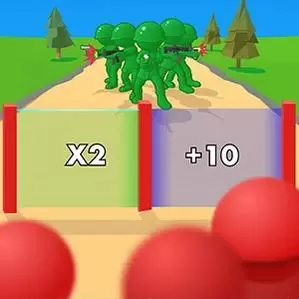
Its time to shoot the pinatas again! All you have to do is shoot and destroy all the pinatas. Dont let them escape or move. Destroy eight crazy pinatas and collect all the money to upgrade your weapons. Lot guns are waiting for you such as knives, pistols, laser guns, grenades, machine guns, plasma guns and explosives and many action in more than 100 levels.
3.44K players

Escalators

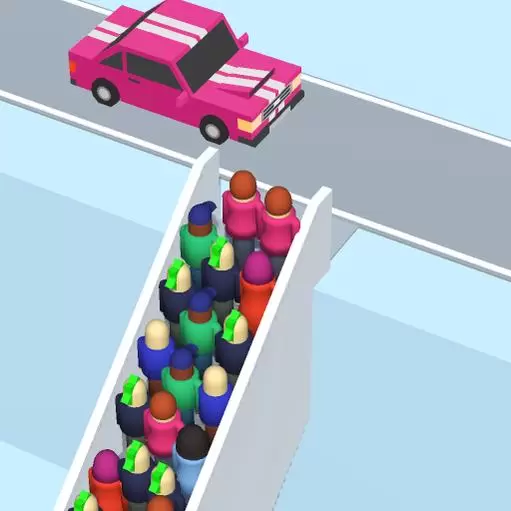
Escalators is an online Kids game, it's playable on all smartphones or tablets, such as iPhone, iPad, Samsung and other Apple and android system. Escalators are a boarding casual arcade game. Choose your favorite character and start your adventure! You have to pass a road full of vehicles. Remember to dodge the vehicles or you'll get run over! Each level has a certain number of missions, so you'll have to get past the green barriers in your favor in the process. How many levels can you get through? Come join us and take the challenge!
5.55K players

Merge Rush 2048

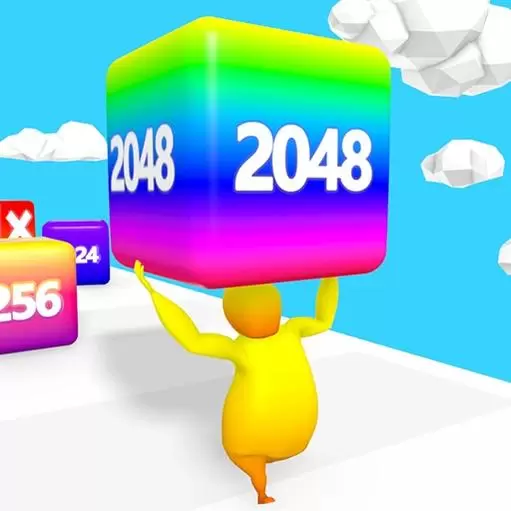
Merge Rush 2048 is a parkour game. In addition to obstacle traps, there are many numbered squares on the track. Collect and push these squares for parkour. Note that two numbered squares on the way will move at the same time. Come and merge these cubes to unlock more scenery and buildings at the end of the game!
6.28K players

Ball Blaster

Ball Blaster is a new arcade game related to numbers. It is also a very interesting shooting game. In the game, some digital squares will drop continuously at the top of the screen. Your task is to control the cannon to avoid these blocks while firing the cannon upwards. The number on the square is the number of times you need to shoot. Only by accurately hitting the square can the number decrease. You can increase your strength, increase your firing speed, and even change the color of the cannon.
8.91K players

Climb High

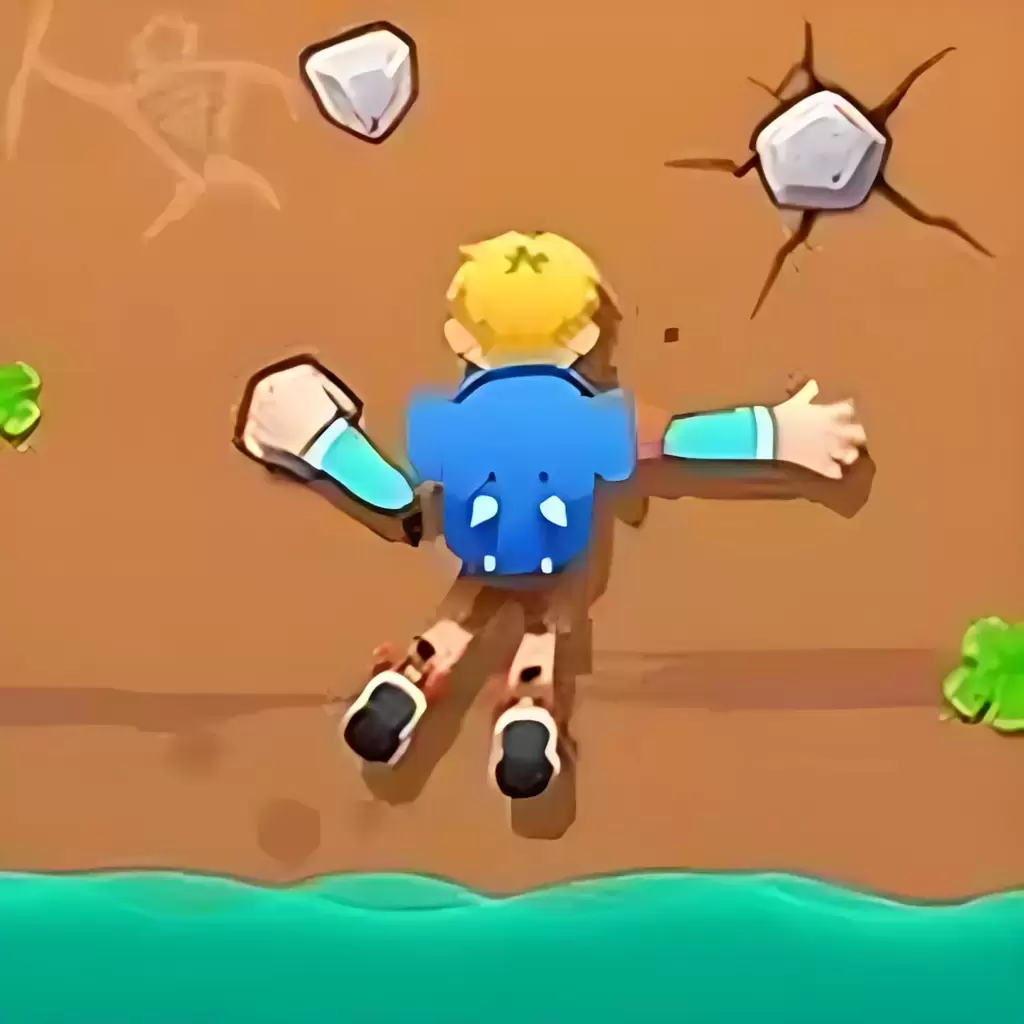
It's time to climb! Show your climbing skills and climb as high as possible. You must act quickly to avoid being caught up by the waves! Switch positions, avoid danger, hone your skills, and play a few cool characters. Do you qualify for a gold medal?
6.72K players

Count Shoot

ShootGame
3491 Players

Game Information

Developer:

Joseph Lopez

Released:

2024-08-29

Rating:

4.0 ( 3491 Players )

Platform:

Browser (desktop, mobile, tablet), App Store(iOS, Android)
Game Description

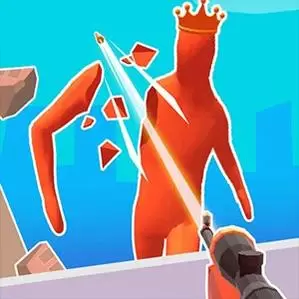
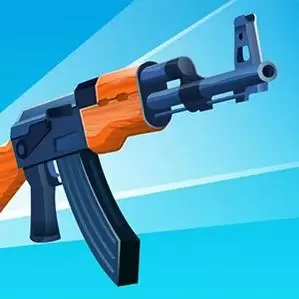
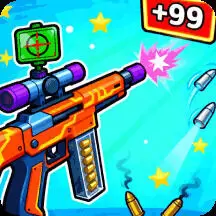
Count Shoot is not your average FPS shooting game—it’s a thrilling test of both accuracy and strategy. In this fast-paced shooter, you’ll be tasked with taking down all targets within a limited time, but there’s a twist: you must also manage your bullet count carefully. Every shot counts, and wasting bullets could cost you the level. Each stage presents a unique challenge, with different enemy placements, obstacles, and even environmental hazards that will test your decision-making, reflexes, and shooting skills. As you progress through the levels, the difficulty increases, with more enemies and increasingly complex environments. Some levels introduce moving targets and explosive objects, while others may require you to navigate obstacles to hit your marks. The key to success lies in strategic planning and precise shooting. To help you along the way, Count Shoot offers a variety of pro tips: prioritize fast-moving targets, aim for explosive objects to trigger chain reactions, and use the environment to your advantage. Additionally, hidden targets in some levels unlock a special slow-motion effect, making each shot feel like a cinematic experience. Ready to test your shooting skills? Get ready to aim, shoot, and strategize in Count Shoot!

Game Guide

No guide available

The steps to add an app to the Home Screen on iOS and iPadOS are as follows:

  1. Open the "Share" menu at the bottom or top of the browser.
  2. Click to Add to Home Screen.
  3. Confirm the app name; the name can be modified.
  4. "Click to Add"