



Add to screen

Sniper Challenge

Top 20 Games

Taylor's Backyard Cleaning and Decoration

There is a big backyard in Taylor’s house and it’s no cleaned for too long. This weekend, Taylor and her parents decide to clean the backyard and decorate it. Firstly, they will sell the old furniture in it. And then prepare tools and materials for cleaning. Do you want to join them? Let’s make the backyard become a really good place.
8.68K players

Sniper Action

SniperAction
6.82K players

Color Block Three - Elimination

Click and pop up blocks of the same color in this highly addictive three elimination game! Clearing the entire field to earn reward points and collecting special energy can help you score higher. Click on the bottom bar to add rows, quickly create a huge cluster, and try to earn as many points as possible within the specified number of steps!
5.89K players

Spiner Shooter

Spiner Shooter
5.31K players

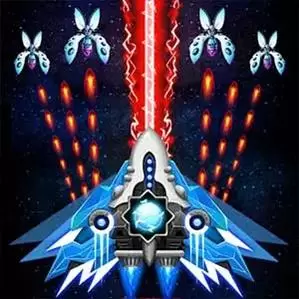
Space Gunner: Galaxy Alien Invader

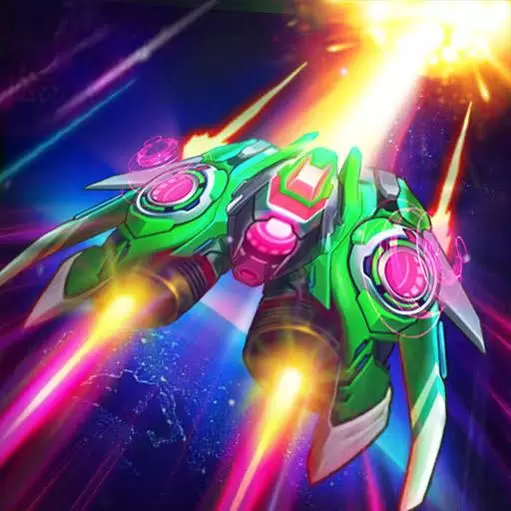
Space Gunner: Galaxy Alien Invader adds fresh elements to the classic vertical shoot'em up genre while still honoring nostalgic feeling of pixel retro arcade space shooting games.
9.60K players

Water Sort Puzzle

If you’d like to train your combinational logic, this water sort puzzle game is just for you! It’s the most relaxing and challenging puzzle game, and it’s not timed.?Now try to pour the water in different colors and sort the water in the same color into the same bottles. ?This water sort puzzle game is quite simple, but it’s very addictive and challenging. The difficulties of levels are increasing. The higher level you play, the more difficult it would be, and the more careful you would be for each move. This is the best way to train your critical thinking.
4.14K players

Sniper Challenge

ShootGame
8150 Players

Game Information

Developer:

Robert Smith

Released:

2025-04-11

Rating:

3.0 ( 8150 Players )

Platform:

Browser (desktop, mobile, tablet), App Store(iOS, Android)
Game Description

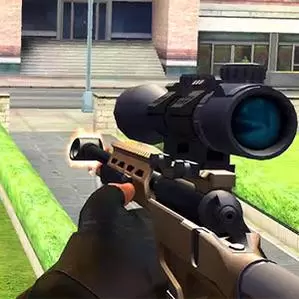
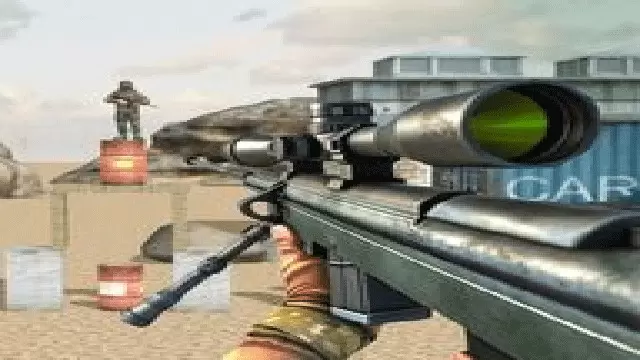
Challenge your sniping skills, defeat the enemy, and win!

Game Guide

No guide available

The steps to add an app to the Home Screen on iOS and iPadOS are as follows:

  1. Open the "Share" menu at the bottom or top of the browser.
  2. Click to Add to Home Screen.
  3. Confirm the app name; the name can be modified.
  4. "Click to Add"